AI Agents in Your Ad Account: 5 Use Cases for Muse, Dots and Meta's Ads Manager Assistant
If you run Meta ads for a small business in the US, an AI agent can already connect to your ad account. On September 29, 2026 Meta launched Muse for Small Business, a personal agent for people 18 and over in the US and Canada that links Meta ad accounts, Facebook Pages and Instagram analytics. The same day OpenAI introduced Dots, always-on agents with their own cloud computer. On October 6, at Advertising Week New York, Meta said it is beginning to test actions inside the Meta AI business assistant in Ads Manager, including creating campaigns and adjusting targeting and budgets through conversation. The three are at very different stages, and the decision they force on a paid team is the same: which actions you let an agent take without asking you first.
Each tool handles approval differently
Muse for Small Business states approval as a condition, the Ads Manager assistant lists it among the features in testing, and Dots leaves it to a rule each user configures. Meta describes Muse for Small Business as an agent that "completes tasks on your behalf", connecting Meta ad accounts, Facebook Pages, Instagram professional account analytics and 15 business tools, including Shopify, Stripe, QuickBooks and Klaviyo. According to muse.ai/business, it "learns your voice, spots what's working, and helps you improve your ads and content". On permissions, the announcement says "nothing publishes, sends, or spends without your approval", and the product page adds "and you can undo it."
For the Ads Manager assistant, Meta describes previews, approvals and controls that let you hand over tasks gradually, all within the capabilities it is testing. Dots works another way. Per OpenAI's getting started guide, "Custom Rules let you allow specific actions, require approval, or block them", with four behaviors: act without asking, act if pre-approved, ask first, or hand the task back to you. In other words, a Dot can be set up to act without asking. None of the OpenAI pages we read mention advertising, Ads Manager or the ChatGPT Ads Manager plugin, though a Dot can connect to over 4,000 apps through plugins.
There is also a route that predates all three launches: Meta's ads MCP server. MCP is the protocol that lets an outside AI tool connect to your ad account and work in it. Meta opened it in beta on April 29, 2026, and its July 16 update says advertisers can "create, manage, and analyze campaigns directly in the AI tools they already use". At Advertising Week, Meta added that AdManage.ai, Birch, Blip, Databricks, Innovid, Kochava, Perplexity, Reportei, Snowflake and Triple Whale have built it into their products. For its own ad platform, OpenAI has the ChatGPT Ads Manager plugin, which we covered separately.
What a US advertiser can actually try
Muse for Small Business is available to US advertisers who are 18 or over. OpenAI offers Dots on the Pro plan in "markets excluding the European Economic Area, Switzerland, and the UK", which doesn't exclude the US, and on Business Premium in supported ChatGPT regions. The Advertising Week post names no countries for the Ads Manager assistant, so being a US advertiser doesn't tell you whether you are in the test, and the MCP pages we read don't list countries either. The assistant's test comes with no launch date, so the use cases below separate what is available from what is still a test.
Five use cases, with their backing and their status
1. Weekly summaries and performance alerts
The job is getting the weekly report and a heads-up when something moves, without building either by hand. Among the capabilities in testing, Meta lists "Scheduled tasks and alerts that handle recurring work like performance monitoring, weekly summaries, and reminders to review your budgets." While that stays in testing, with no date or market list, the documented route is reporting through the MCP server. We recommend deciding who gets the summary and what threshold triggers an alert and, if the tool lets you scope it, keeping campaign changes out of this task.
2. Tying sales to campaigns to build a plan
The job is putting sales, campaign spend and social performance in one view and coming out with a plan. One of Muse for Small Business's example prompts is "Analyze this year's sales, campaigns, and social and make me a growth plan", and it connects Shopify, Stripe, QuickBooks and Meta ad accounts. That is an example prompt, and Meta doesn't spell out how Muse combines those sources. Status: available in the US and Canada. In the Muse announcement, Meta states that Muse doesn't share a person's conversations or the data in their cloud virtual machine with Meta's ad systems. We recommend reviewing which sales data you connect before you connect it, and having the plan signed off by whoever owns the budget.
3. Budget and targeting changes with a preview
The job is changing budgets and audiences in conversation instead of editing campaign by campaign. Among the features in testing, Meta lists updating targeting and adjusting budgets through conversation, with previews and approvals, and the MCP server lets you manage campaigns from outside AI tools. Status: in testing for the assistant, no date or markets. This is where approval carries the most weight, because the action changes spend: we recommend routing every budget change through a person, with a per-change cap agreed before the feature is switched on. Muse isn't part of this one, since no Meta source says it changes budgets, targeting or bids.
4. Creative variants for a test, approved before upload
The job is producing versions of an ad without any of them reaching the account unreviewed. The Ads Manager assistant is testing image and ad copy generation. On ChatGPT Ads, the ChatGPT Ads Manager plugin turns a site or brief into ready ads, builds variants and edits campaigns, with a preview and human confirmation before changes apply, according to our record of its launch, which relied on the changelog and the plugin listing because the help center had no article. Shhots AI says that with its integration a Dot "plans the tests, generates the videos and stills, and brings finished creative back for you to approve", and suggests you "Set a Custom Rule that requires your approval for the Shhots tools that generate." That is a vendor claim, not confirmed by OpenAI, and it doesn't say the Dot publishes to ad accounts. In all three, approval sits on the asset before upload, and with the plugin also on any edit to a live campaign.
5. Signal and catalog diagnostics before you scale
The job is checking that conversion signals and the catalog are healthy before you raise spend. Since the July 16 update, Meta's MCP server covers signal diagnostics and catalog, along with campaign editing and reporting, and adds "ads MCP server rules, giving anyone with full control of a business portfolio the ability to govern what AI agents can do". We recommend using those rules to limit the agent to what the diagnosis needs, and checking which specific options they offer before you connect it. The platform-by-platform map is in our piece on MCP across ad platforms.
Meta's 5% comes without a methodology
Meta says "Advertisers who adopt its recommendations are typically seeing 5% more conversions at the same cost per conversion than those who don't." The page doesn't explain how that was measured, against which group, or in which markets. It tells you what Meta is promising; projecting it onto your own account takes a test with your own control group.
The sheet to write before you connect an agent
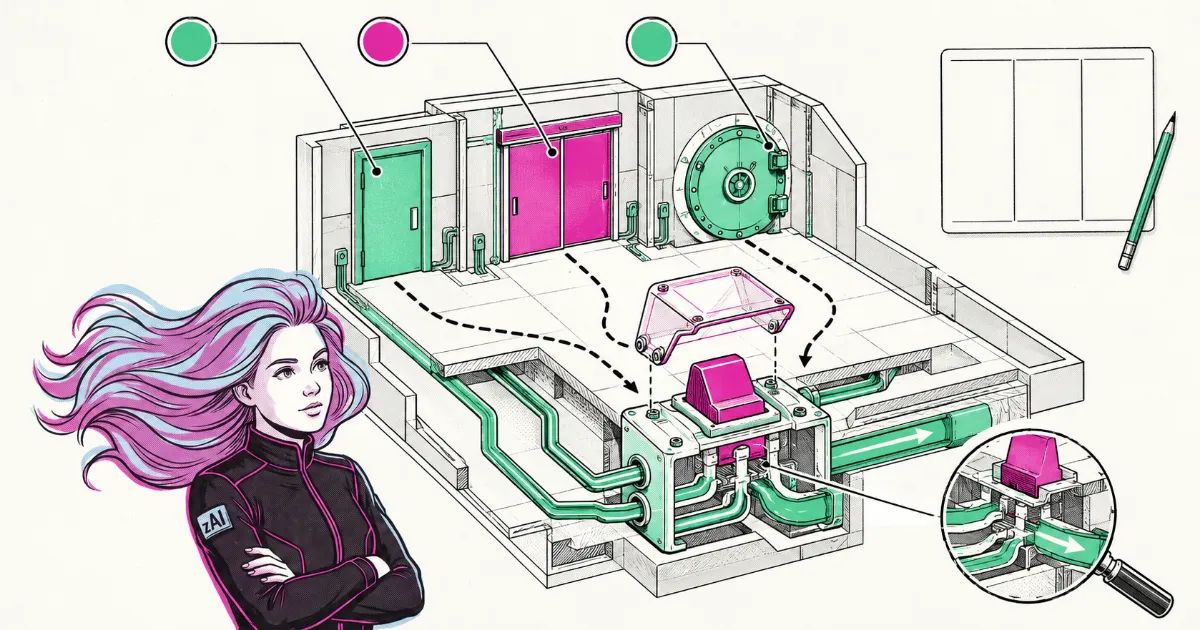
Before switching any of these on, we recommend writing a three-column sheet: which actions are allowed without asking, which need approval, and which are blocked. The first column holds reporting, diagnostics and alerts. The second holds anything that spends or publishes, such as budgets, new campaigns and creative going live. The third holds what no task needs, such as deleting campaigns or touching billing. Dots already builds that structure into its rules and Meta offers portfolio-level rules for agents, but the sheet should exist before the tool does.
Two more decisions remain. Who approves: a named person accountable for the budget, with a backup for when they are out. What gets logged: what the agent asked for, who approved it and what changed in the account. Since the pages we read don't describe how an agent's actions are recorded, we recommend keeping that log on your side.
Our stance is human-led: an agent can prepare, analyze and propose, and the decision to spend or publish stays with a person. That is a stance on how to work with these tools, not something Muse, Dots or the Ads Manager assistant claim. If you are a US small business looking at Muse, write the sheet before you connect your ad account.
This content was developed with AI assistance and reviewed by the Zenda team. Any bad ideas are entirely our own.